From Humanoid model to multiplayer character.
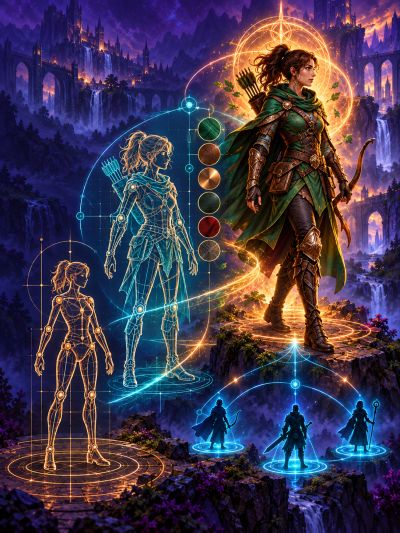
Character onboarding into a guided Unity workflow with clear checkpoints along the way.
1. Import your character
Import your compatible Humanoid character into Unity with its model, materials, and textures
2. Analyze the source
Analyze the character’s Humanoid rig and source setup, then review the findings.
3. Create its definition
Generate a non-destructive visual wrapper and a stable Realm Crafter character definition.
4. Add it to the catalog
Register the character so editor previews and runtime systems can resolve it by ID.
5. Preview the result
Check scale, grounding, materials, animation compatibility, camera height, and nameplate height.
6. Test in multiplayer
Select the character and confirm local and remote reconstruction with independent clients.

Helpful automation, visible decisions
Automate the repeatable parts.
Realm Crafter handles safe, deterministic setup while keeping content decisions—such as scale, offsets, rig quality, and modular compatibility—visible to the developer.